
⚡
QRMage
QR Code for Restaurant Menu
✨
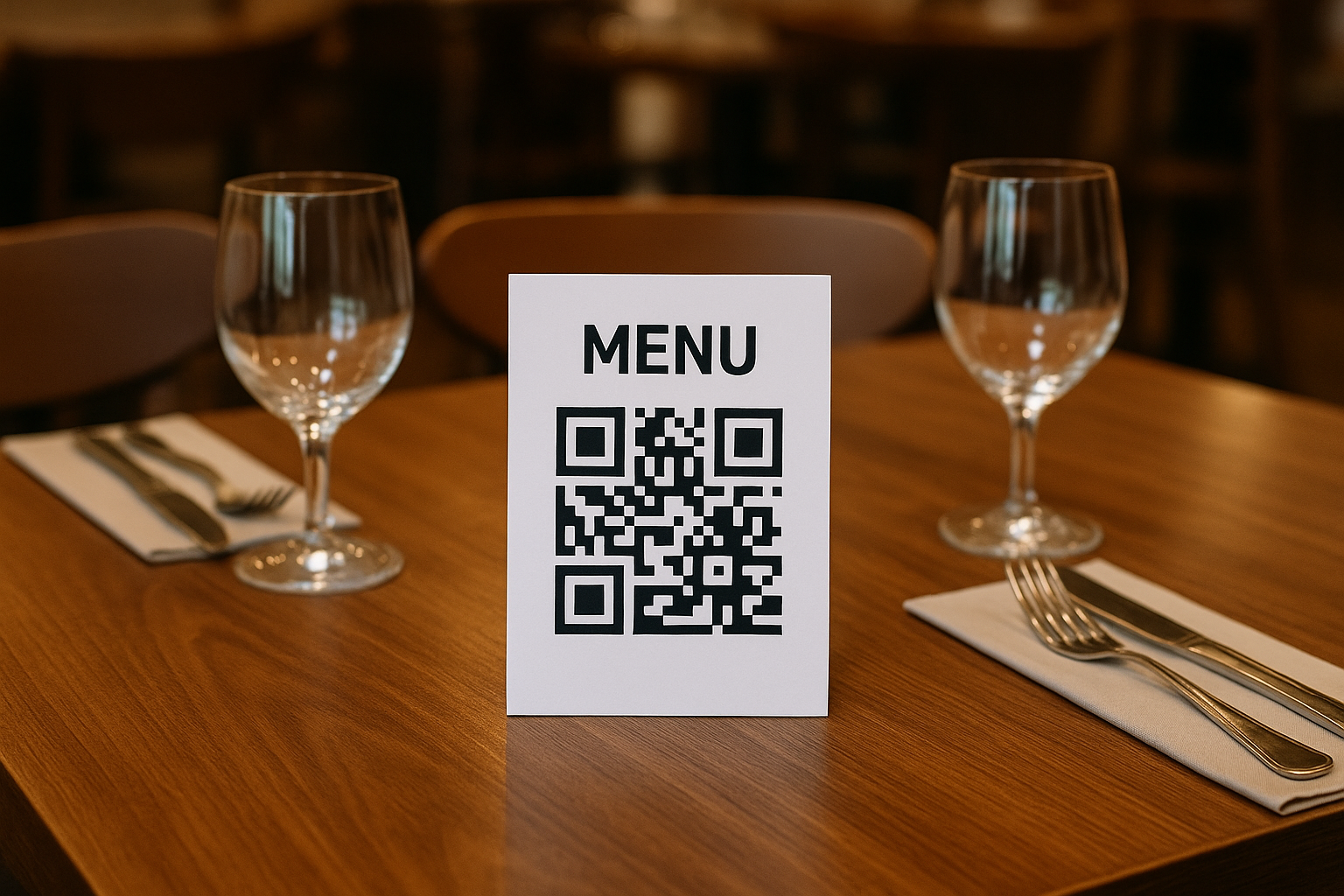
Transform your restaurant's menu into a digital experience with QR codes.
🧙♂️ Create, update, and share your menu instantly with our free QR code generator.
It just f*ckin works.
Why Use QR Codes for Your Restaurant Menu?
🍽️✨Cost-Effective
Eliminate printing costs and reduce waste by using digital menus. Update your menu anytime without reprinting.
✨Easy Updates
Change prices, add specials, or modify menu items instantly. Your QR code stays the same while your menu evolves.
✨Enhanced Experience
Provide customers with an interactive menu experience, including images, descriptions, and nutritional information.
✨Contactless Service
Offer a hygienic, touch-free menu experience that customers appreciate in today's environment.
✨Analytics & Insights
Track menu views and customer engagement to make data-driven decisions about your offerings.
✨Multi-language Support
Offer your menu in multiple languages without the need for separate printed versions.
How to Create a Menu QR Code
📱Prepare Your Menu
Create a digital version of your menu using a website, PDF, or menu management platform. Ensure it's mobile-friendly and easy to navigate.
Generate QR Code
Enter your menu's URL into QRMage's QR code generator. Customize the colors to match your restaurant's branding.
Display & Share
Print your QR code on table tents, window displays, or business cards. Make it easily accessible to customers.
Best Practices for Menu QR Codes
💡Menu Design Tips
- • Keep the design clean and easy to read
- • Use high-quality food images
- • Include clear pricing and descriptions
- • Organize items into clear categories
QR Code Placement
- • Place on every table
- • Display at the entrance
- • Include on takeout packaging
- • Add to your social media profiles
Ready to Modernize Your Restaurant?
Transform your dining experience with digital QR code menus that impress customers and boost your business with QRMage.
✨ Free to Use • No Credit Card Required • Instant Generation
Create and download your QR code for free
No signup, email address, or credit card required. Add your link or text, customize the design, and download a PNG. Static codes do not expire; keep the linked page available.
Create, check, and share your code
Upload menu online
Upload your restaurant menu to a website or cloud storage service to get a shareable URL.
Generate QR code
Enter your menu URL into the QR code generator to create a menu QR code.
Brand your QR code
Add your restaurant logo and customize colors to match your brand identity.
Print and display
Download and print your menu QR code for table tents, posters, or business cards.
Frequently asked questions
Can I download a static QR code without signing up?
Yes. QRMage static PNG downloads are free and do not require an account or watermark.
Can I change a static QR code after printing?
No. A static code keeps its encoded content. You can update a linked page if its URL stays the same; changed encoded details require a new code.
Do free static codes include scan analytics?
No. Static codes do not record scans. Optional account-based tracked codes and paid analytics are separate from free static downloads.